How to Find Lost Bitcoin
- Where is Bitcoin Usually Stored, and How is it Lost?
- How to Find Bitcoin on an Old Computer or Hard Drive
- Checking Emails, Online Wallets, and Crypto Exchanges
- Restoring Access via a Seed Phrase (Mnemonic Code)
- Searching for Bitcoin Addresses in Blockchain Explorers
- Hardware and Paper Wallets: Checking the Balance
- Can You Find Out if You Own Crypto by Your Name?
- What to Do if You Find Your Bitcoin: Next Steps
In 2026, Bitcoin has firmly established itself as “digital gold,” and the price of a single coin often makes people look back at the early 2010s with a mix of nostalgia and regret. Back then, thousands of users mined BTC on home PCs just for fun or bought a few coins with “pocket change.” Today, those forgotten pennies have turned into small fortunes. However, the main challenge of decentralized finance remains: there is no “reset password” button. In this article, we will detail how to find lost Bitcoins that might be hidden in the depths of your old devices or tucked away in your email archives.
Where is Bitcoin Usually Stored, and How is it Lost?
Losing access to assets is the flip side of blockchain security. If you don’t control your private keys, you don’t control your money. Common reasons for losing Bitcoin include:
- Lost Seed Phrase: A piece of paper with 12 or 24 words was thrown away during a move or lost over time.
- Hardware Failure: Old hard drives (HDDs) fail due to demagnetization or mechanical damage.
- Defunct Exchanges: Many platforms popular between 2011 and 2018 (such as the infamous Mt. Gox, BTC-e, or WEX) ceased to exist, leaving users without access.
- Forgotten Local Wallets: A user deleted the Bitcoin Core software, forgetting to back up the wallet.dat file.
It is important to understand: Bitcoins are not stored “inside” your computer. They live on the blockchain; your device only stores the keys that grant you the right to move those coins.
How to Find Bitcoin on an Old Computer or Hard Drive
If you still have a desktop or laptop from a decade ago, this is your best shot. Even if the operating system doesn’t boot, the data might still be intact.
The first step is to search for specific file extensions. The most valuable file for any “treasure hunter” is wallet.dat. This file contains the private keys for old versions of Bitcoin Core.
Search Algorithm for Windows and Linux:
- Connect the old drive to a working PC using a SATA-to-USB adapter.
- Search the entire drive (including hidden folders) using the mask
wallet.dat. - Check standard paths:
%APPDATA%\Bitcoin(for Windows) or~/.bitcoin/(for Linux). - Look for files with
.keyor.jsonextensions, or text documents named “crypto”, “pass”, “seed”, or “btc”.
If you find a wallet.dat file, do not rush to open it with third-party services. Make several copies on different USB drives. To restore the balance, you will need a modern version of Bitcoin Core to “reindex” the blockchain and show your funds.
Checking Emails, Online Wallets, and Crypto Exchanges
If the physical hardware is gone, turn to your “digital footprint.” Between 2011 and 2020, many people used web wallets or exchanges for their simplicity.
| Service Type | Email Keywords to Search | Examples of Popular Platforms |
|---|---|---|
| Crypto Exchanges | “Confirm Registration”, “Deposit Confirmed”, “Withdrawal” | Binance, Kraken, Bitfinex, Poloniex, Bittrex, Mt. Gox |
| Online Wallets | “Wallet ID”, “Blockchain.com”, “Verify Email” | Blockchain.info (now .com), Coinbase, Xapo |
| Exchangers/P2P | “Order Paid”, “Transaction Confirmed” | LocalBitcoins, Paxful, various swap services |
Check all your old email accounts (Gmail, Outlook, Yahoo). Search for senders containing “crypto”, “btc”, “bitcoin”, or the names of popular exchanges. Often, these emails contain a Wallet ID, which can help you regain access to an online account.
Restoring Access via a Seed Phrase (Mnemonic Code)
If you found a slip of paper with 12, 18, or 24 English words — congratulations! This is a Seed Phrase. It is the universal key to your assets. In 2026, the BIP39 standard is supported by almost all wallets.
Recovery Instructions:
- Download a trusted wallet (e.g., Trust Wallet, BlueWallet, or Electrum).
- Select the option “I already have a wallet” or “Restore.”
- Enter the words in the exact order they were written.
- If the balance is empty, try changing the “derivation path” in the settings—older wallets might use different standards (Legacy vs. SegWit).
Searching for Bitcoin Addresses in Blockchain Explorers
Sometimes, a user only has a wallet address (a long string of characters starting with 1, 3, or bc1). To check if there are funds there, use a blockchain explorer.
Popular services include: Blockchain.com, Blockchair.com, Mempool.space. Simply paste the address into the search bar. You will see:
- Final Balance: The current amount of coins.
- Total Received: The total amount ever sent to the address.
- Transactions: The history of all movements. If the last transaction wasn’t made by you, the wallet has likely been compromised.
Hardware and Paper Wallets: Checking the Balance
Hardware wallets (Ledger, Trezor) are the most secure. If you find one but forgot the PIN, you usually have only 3 attempts before the device wipes its data. In this case, you can only recover the balance using the Seed Phrase on a new device or software wallet.
Paper Wallets are printed QR codes with public and private keys. To “claim” the Bitcoins, use the Sweep function in a mobile wallet. Scan the private key, and the coins will be transferred to your new address.
Can You Find Out if You Own Crypto by Your Name?
The short answer is no. This is the essence of Bitcoin — it is pseudonymous. There are no “John Doe” records on the blockchain, only wallet numbers and keys.
However, in 2026, due to stricter KYC (Know Your Customer) regulations, you can send inquiries to major exchanges you might have used. By providing your ID, you can find out if there is an account linked to your name. This only works for centralized platforms.
What to Do if You Find Your Bitcoin: Next Steps
The excitement of finding lost coins can be overwhelming, but this is when critical mistakes happen. Follow this plan:
- Don’t Rush: Do not enter your found Seed Phrase on websites promising “fast withdrawals” or “balance checks.” These are 100% scams.
- Update Security: Create a brand-new wallet on a clean device and transfer the found assets there immediately.
- Consider Taxes: Depending on your jurisdiction, selling found assets may trigger capital gains taxes. Consult a professional.
- Reinvest Wisely: If the amount is significant, consider keeping some in “HODL” and using the rest to generate passive income through mining.
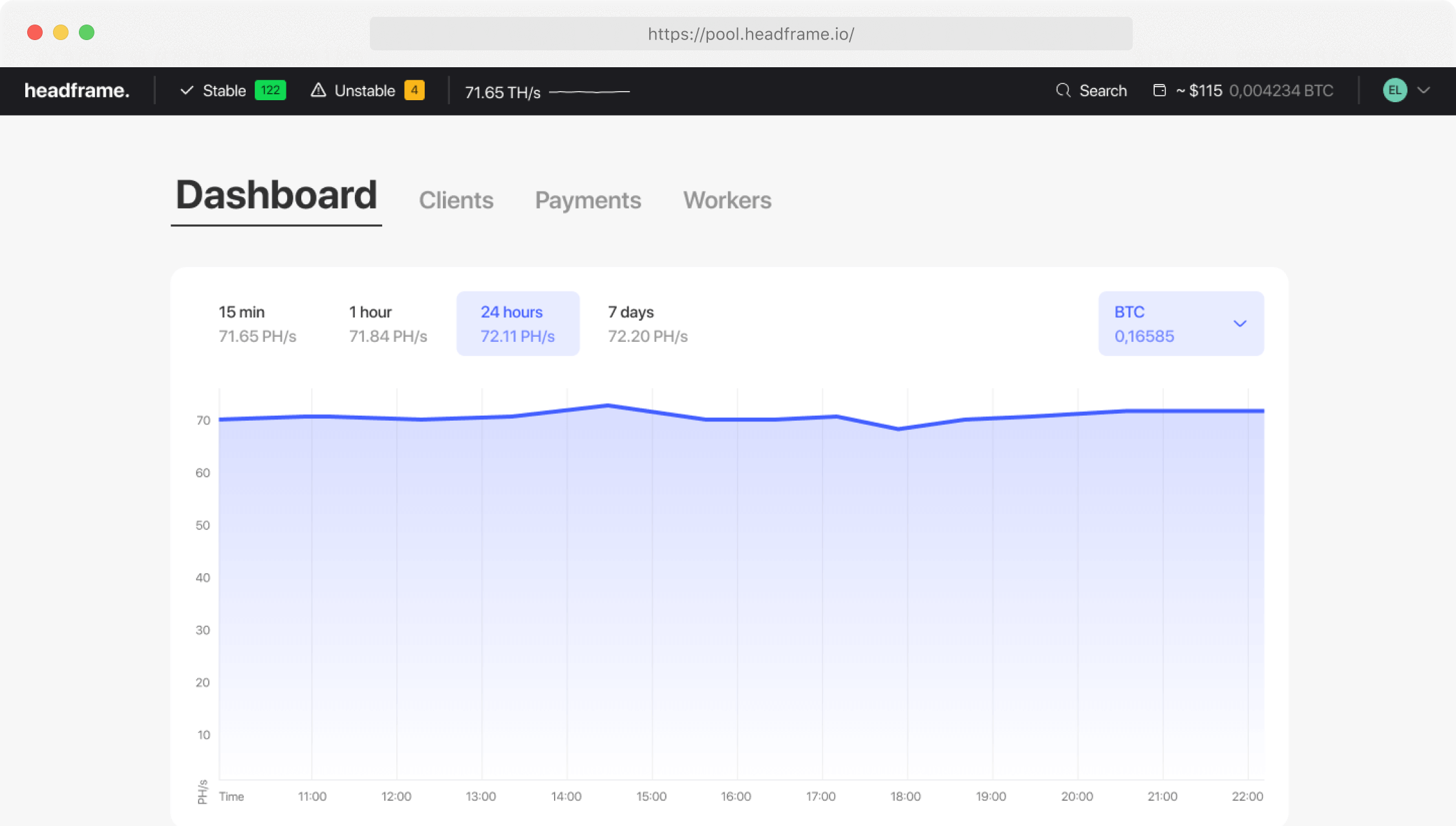
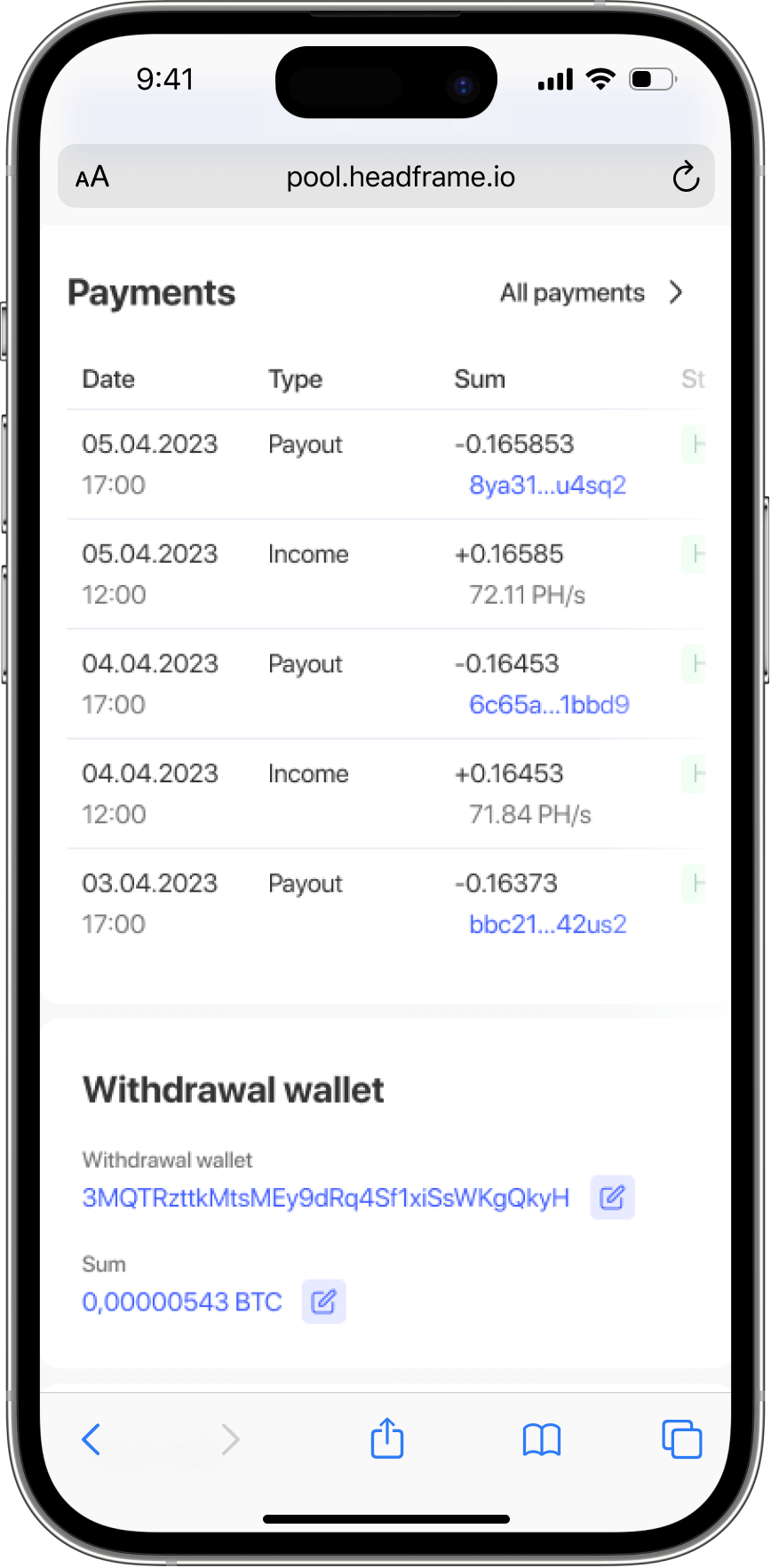
Searching for lost Bitcoin is an exciting journey, but it is far more reliable to create new assets yourself. The Headframe mining pool provides the perfect infrastructure for those who decide to mine BTC professionally in 2026. We work exclusively with ASIC miners, offering a transparent FPPS payout system and one of the lowest commissions on the market — just 0.9%. With our stable stratum servers, you get a continuous mining process. You can monitor your hashrate and receive daily payouts directly on your smartphone via our convenient mobile app for iOS and Android. Join Headframe and build your crypto future on a solid foundation!