How to Switch Mining Pools: Step-by-Step Guide
Switching a mining pool changes where your ASIC sends work. It does not automatically move an unpaid balance from the previous pool. Prepare the new account and test one miner before changing the configuration of an entire farm.
Check the old balance and the new pool conditions
Save the old pool’s balance, payout threshold, withdrawal rules and account details. Check whether a final payment requires additional mining or a manual request. Each pool has its own rules; changing the mining server does not cancel an existing balance or guarantee an immediate payout.
For the new pool, check the supported coin and algorithm, payout model, fee, minimum payment and available endpoints. Use the current information in the pool’s dashboard. You can compare the main criteria in our Bitcoin mining pool comparison and payout model guide.
Save the existing configuration
Record the current pool URLs, ports, worker names and failover order. Keep a secure configuration backup where the firmware supports it. Record the miner’s hashrate and power mode so that the comparison is made with the same settings.
Create the new pool account, secure account access and obtain the correct endpoint and worker format. Do not enter a guessed server address, port or wallet format. The required fields depend on the pool and firmware.
Move one ASIC first
- Open the miner’s own management interface.
- Update the pool URL, worker name and any required password using the new pool’s instructions.
- Review the order of backup endpoints; an old pool left as an active fallback may still receive work if the primary endpoint fails.
- Save the settings and check that the miner connects and submits accepted shares.
- Confirm that the intended worker appears in your new account.
Keep frequency, firmware and power settings unchanged during this initial comparison. Pool migration and hardware tuning are separate changes. See the ASIC setup guide for the basic connection process.
Verify performance and payments
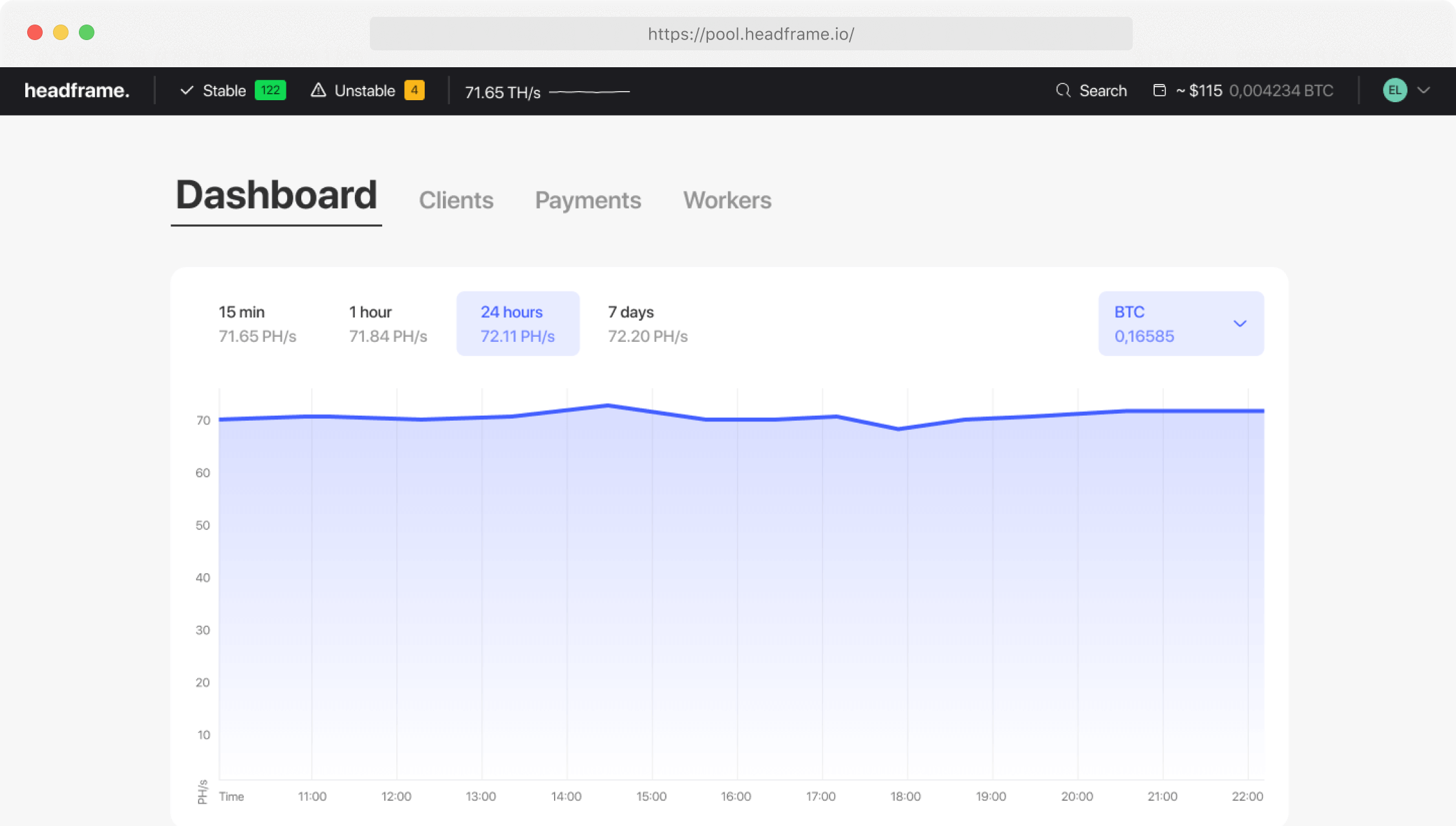
Compare accepted and rejected shares, connection stability, credited work and the worker’s status over a representative period. A pool estimates hashrate from submitted shares, so a short dashboard snapshot can differ from the miner’s local reading. Check the pool’s reporting interval and payout schedule before judging the result.
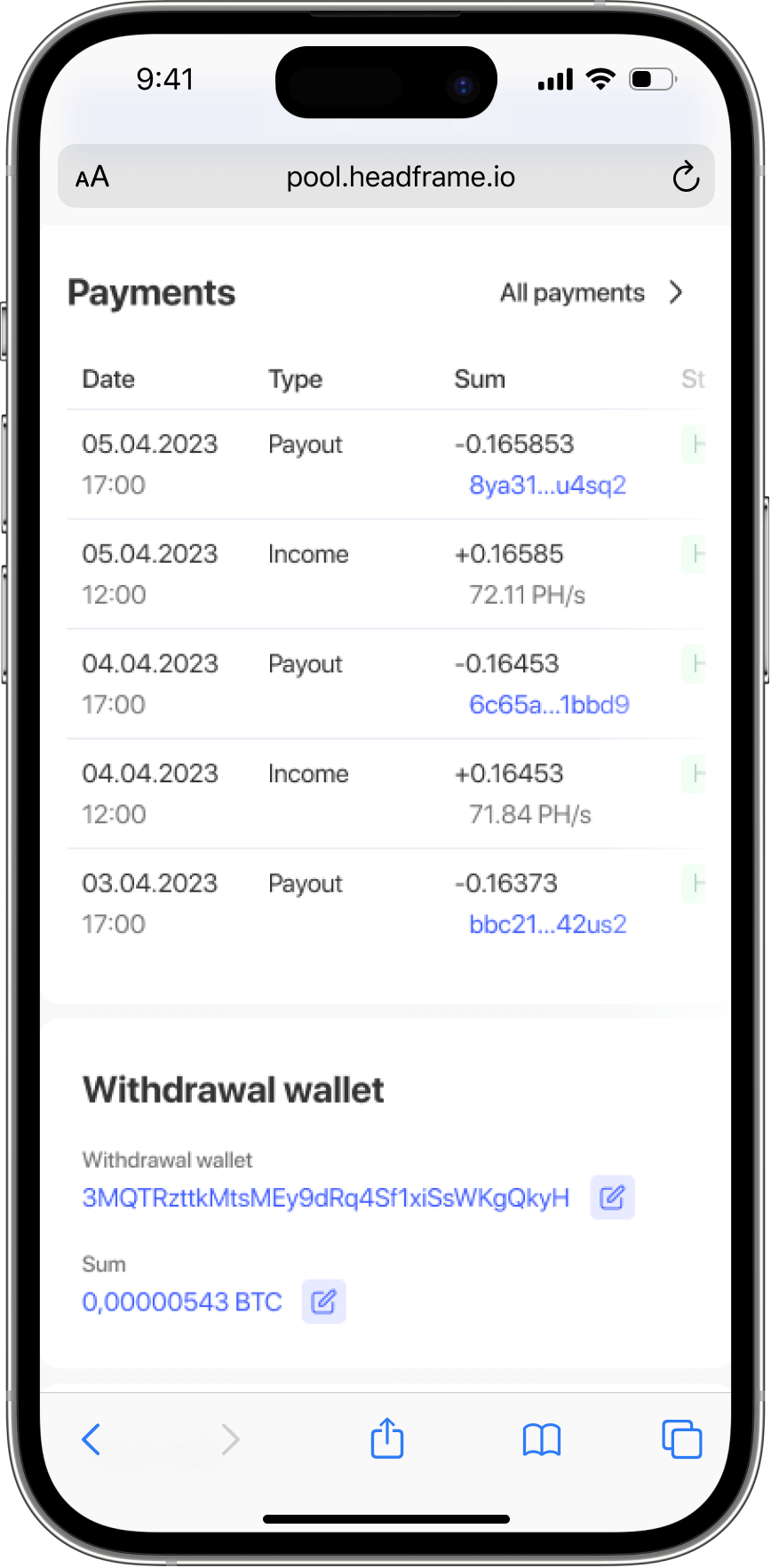
Confirm the payout address and account security settings. A transaction on the Bitcoin network can be checked using its transaction ID; see how to verify a Bitcoin transaction. Keep access to the previous account until outstanding balances and payments are resolved.
How to return to the previous pool
If the new connection fails or work is credited to the wrong account, restore the saved pool configuration on the test miner. Check accepted shares and the worker status at the previous pool. Expand the change to the rest of the farm only after the test configuration works as intended.
Firmware interfaces vary. BITMAIN documents the roles of the pool address, worker name and backup pool entries.