SHA-256 Bitcoin Mining: Algorithm, ASICs and Pool Results
Cryptocurrency mining is a process that allows you to earn rewards for confirming transactions on the blockchain.



Create an account, get the connection settings, and add your Zcash miners. Device status and essential operating data stay together in one dashboard.
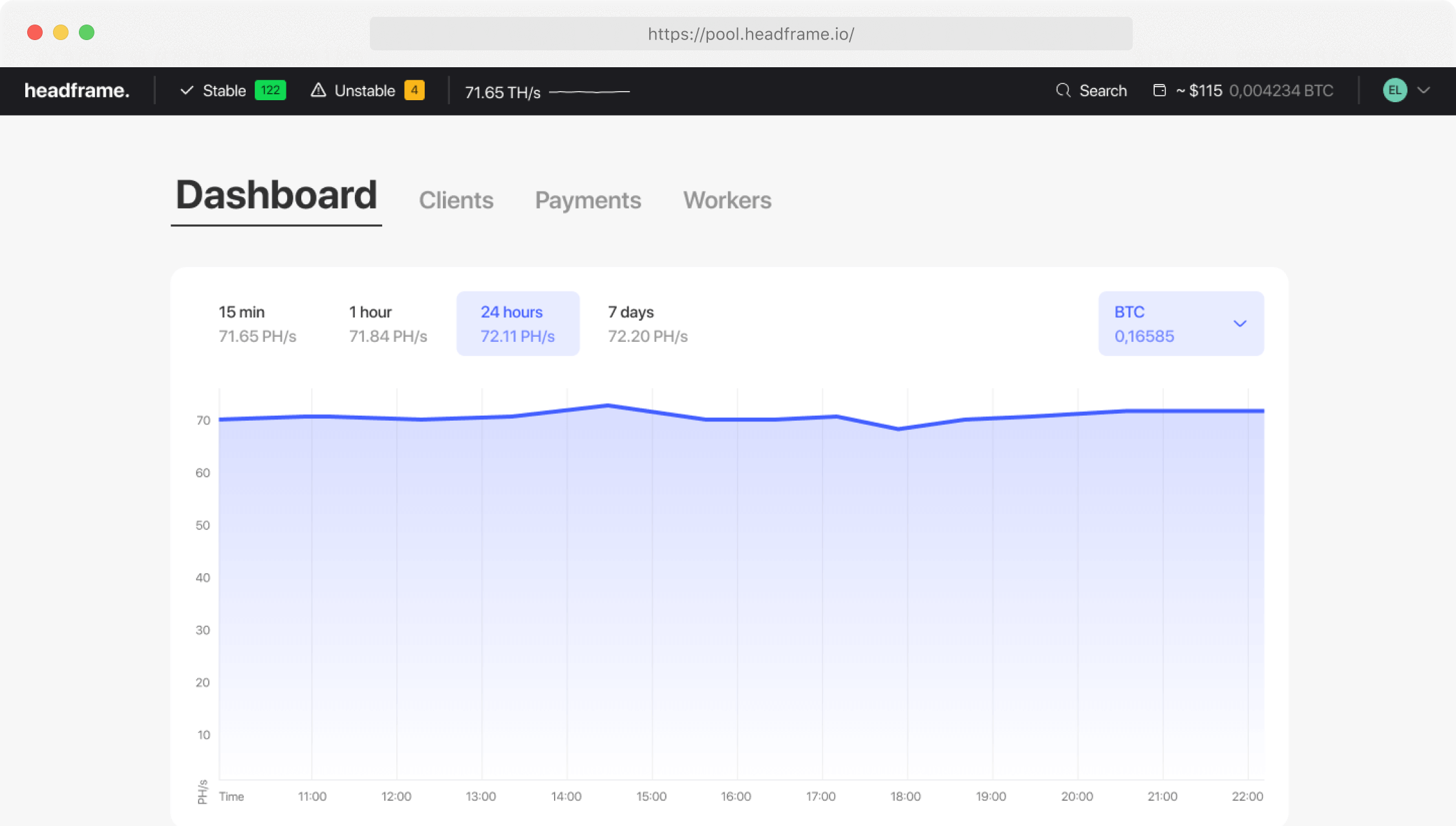
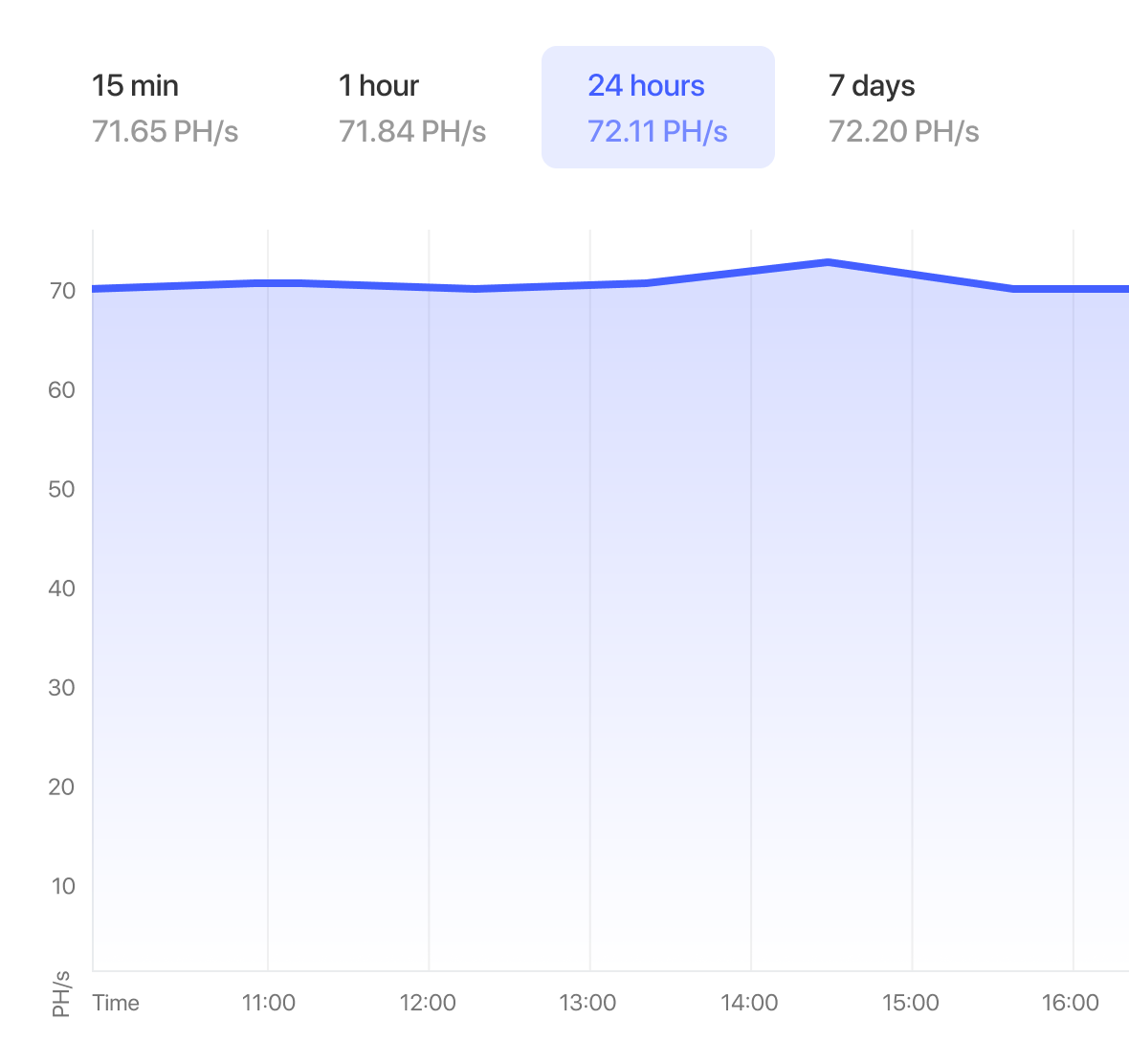
Track equipment activity and spot disconnects or hashrate drops without checking every ASIC manually.
Enter your Equihash hashrate, choose a period, and estimate ZEC output and fiat value using current Headframe data.
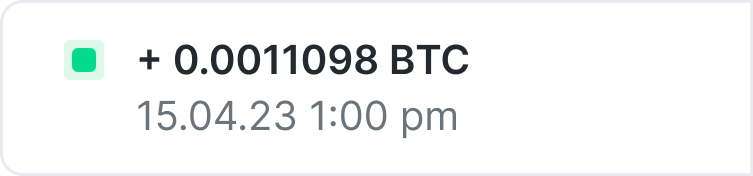
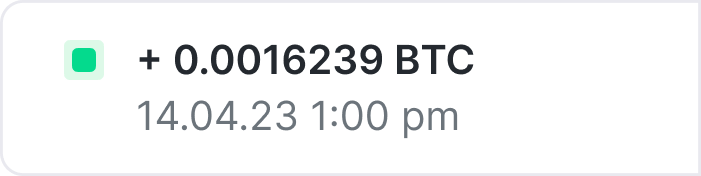
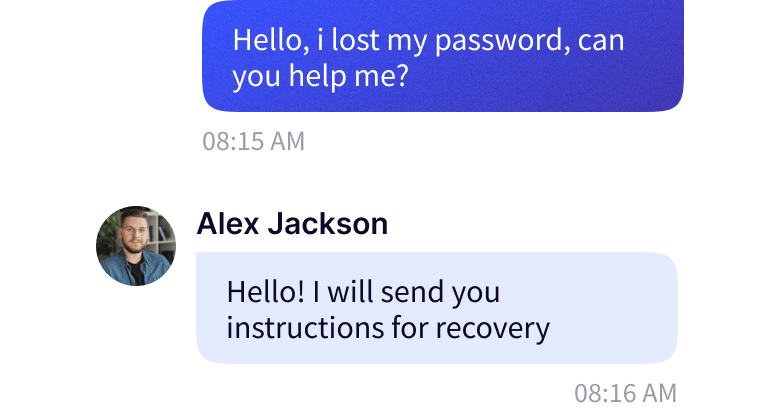
The Headframe team can help with worker configuration, pool connectivity, and diagnostics when reported performance differs from expectations.
Review hashrate and worker status in the dashboard so you can react faster to downtime and efficiency changes.
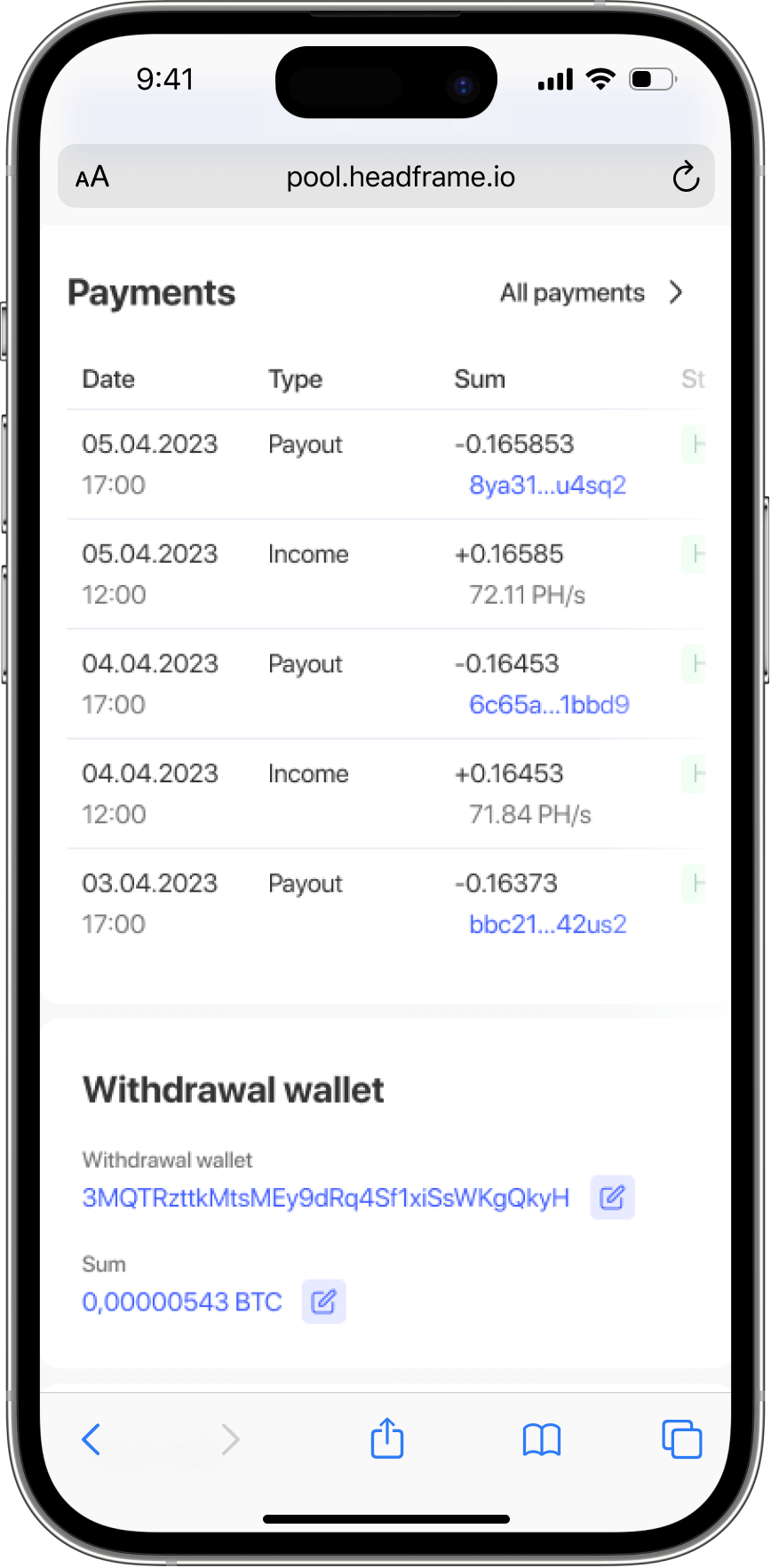
Check ZEC mining activity and payouts in the Headframe mobile app when you are away from your workstation.


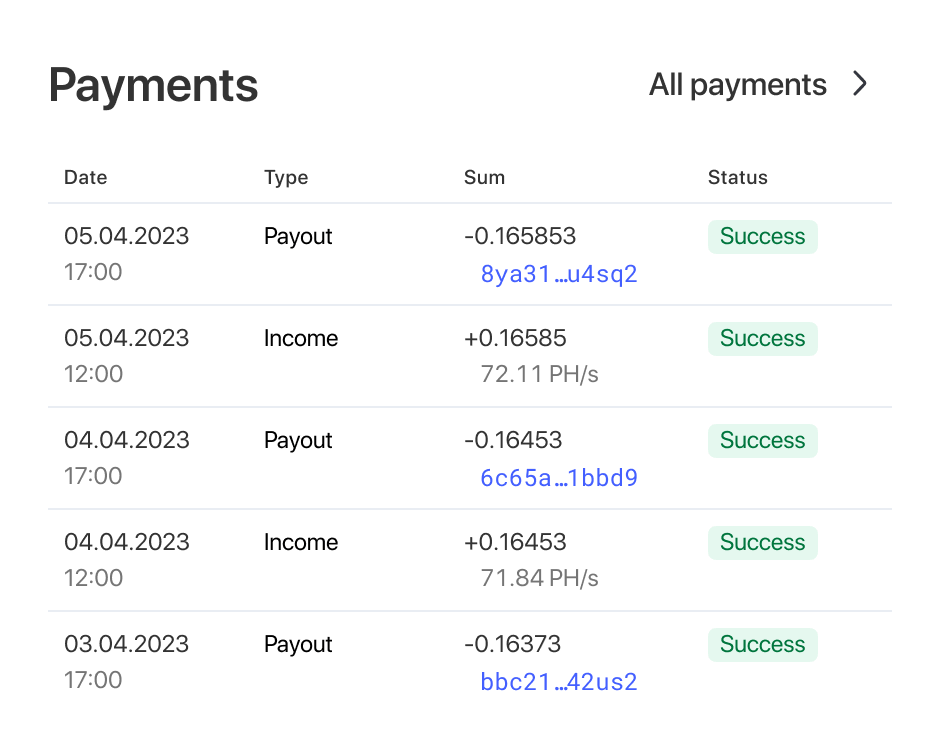
Keep rewards and payouts in one place and compare actual equipment output across the periods that matter to you.
The calculator uses the current Headframe reward rate and automatically converts estimated ZEC into USD or RUB.
Organize devices as clear workers and monitor a wider Equihash fleet without separate spreadsheets and manual checks.
Sign up, open the dashboard, and prepare a separate worker name for each Zcash ASIC.
Enter the pool address, worker name, and password in the ASIC interface, then save the settings and wait for hashrate to appear.
Monitor device stability, compare actual output with the calculator, and review rewards from the Headframe dashboard.




The calculator multiplies your hashrate in kSol/s by the current Headframe reward rate, the selected period, and the post-fee multiplier. It shows an estimated result in ZEC, USD, or RUB; actual output also depends on ASIC stability and network conditions.
Enter the combined hashrate of your Equihash hardware in kSol/s. For several identical ASICs, add their working hashrates and use the total value.
You need an ASIC compatible with the Equihash algorithm used by the Zcash network. Confirm that your exact model and firmware support ZEC before configuring the pool.
The standard pool fee is 0.9%. Current reward and payout terms are shown in your Headframe dashboard.
Create an account, copy the pool address from the dashboard, and enter it in the ASIC interface together with the worker name and password. After saving, confirm that the worker and hashrate appear in monitoring.
Cryptocurrency mining is a process that allows you to earn rewards for confirming transactions on the blockchain.
Cryptocurrency mining is a process that requires a significant amount of energy.