Innosilicon T3 Setup and Operations Guide
- Record the miner before changing anything
- Create a clean pool configuration
- Separate network symptoms from hardware symptoms
- Use a controlled comparison window
- Maintain an operating log
- When to retire or repurpose the unit
- Operational checklist for an Innosilicon T3
- Build a repeatable operating baseline
- Change the connection without changing the machine
- Use a maintenance log
This is an operations guide for an Innosilicon T3 already installed at a farm or test bench. The goal is to create a stable baseline, connect the miner without mixing variables and diagnose differences between the controller, local network and pool dashboard.
Record the miner before changing anything
Photograph the labels and cable layout, export the current configuration where possible and note the firmware build. Give the unit a permanent asset name. Record ambient and exhaust temperature, fan speed, detected boards, chip errors, controller hashrate, pool-side hashrate and wall power with timestamps.
Use the same measurement interval every time. A short dashboard peak is not a baseline. Wait for the ASIC to warm up and for the pool averaging window to settle, then retain the result as the reference for future work.
Create a clean pool configuration
Copy the pool endpoint from the account interface, create a unique worker name and use a password value accepted by the pool. Configure a second endpoint for failover, but test the primary first. Confirm DNS resolution, gateway access and time synchronisation on the farm network.
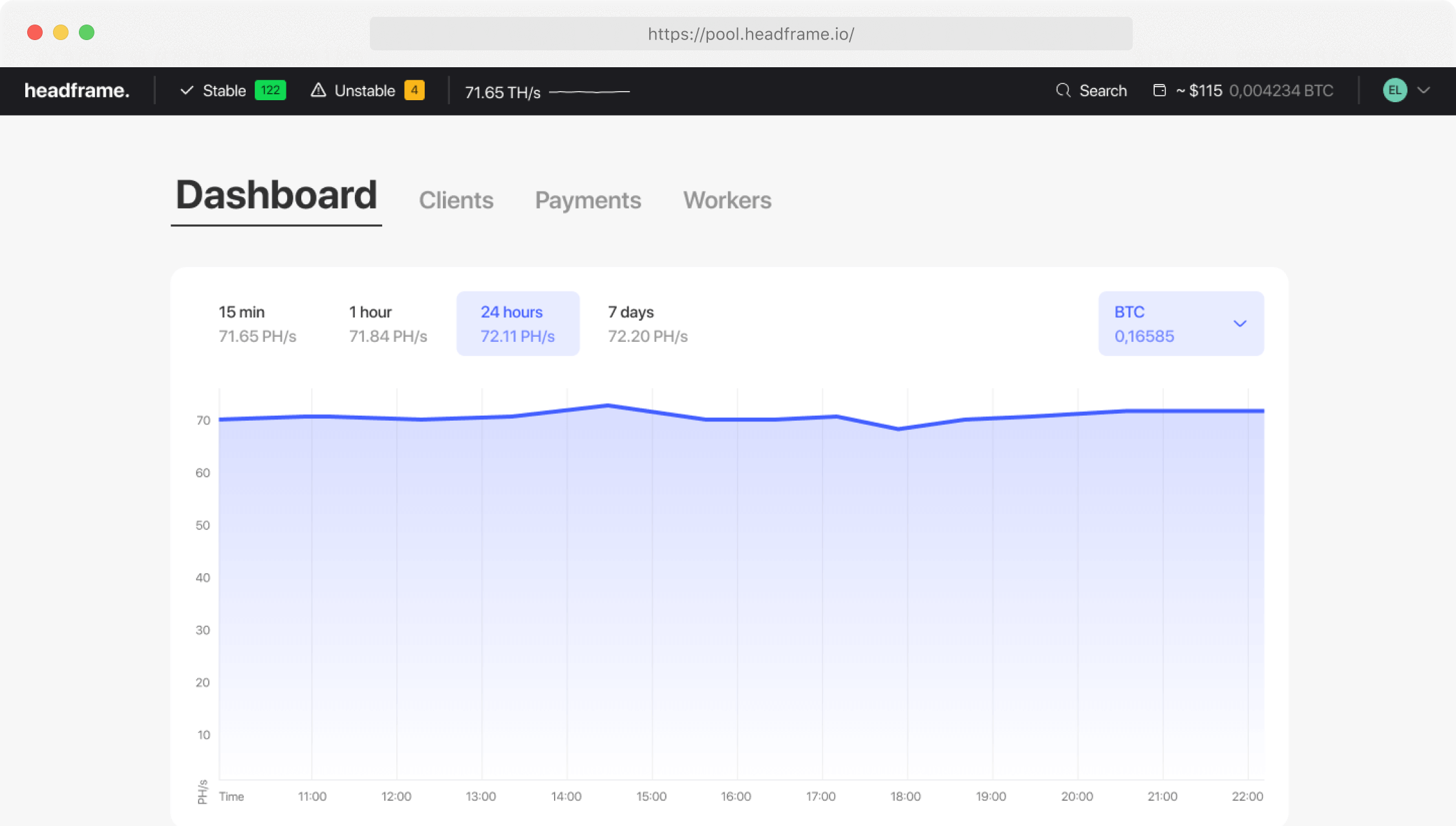
After saving, check the ASIC log for successful connection and submitted work. Then confirm that the same worker appears online in the pool and begins accumulating accepted shares. Controller hashrate and pool-side hashrate use different windows, so they should converge over time rather than match every minute.
Separate network symptoms from hardware symptoms
If one worker disconnects while neighbouring machines stay online, inspect that miner, cable and switch port. If a group fails together, check the shared switch, router, ISP path and power circuit. Packet loss and repeated reconnects can raise stale work even when the miner itself remains stable.
Missing boards, repeated chip errors, thermal shutdowns and abnormal fan behaviour point toward the machine. Do not conceal those symptoms by cycling through pool addresses. Restore the documented baseline and test one change at a time.
Use a controlled comparison window
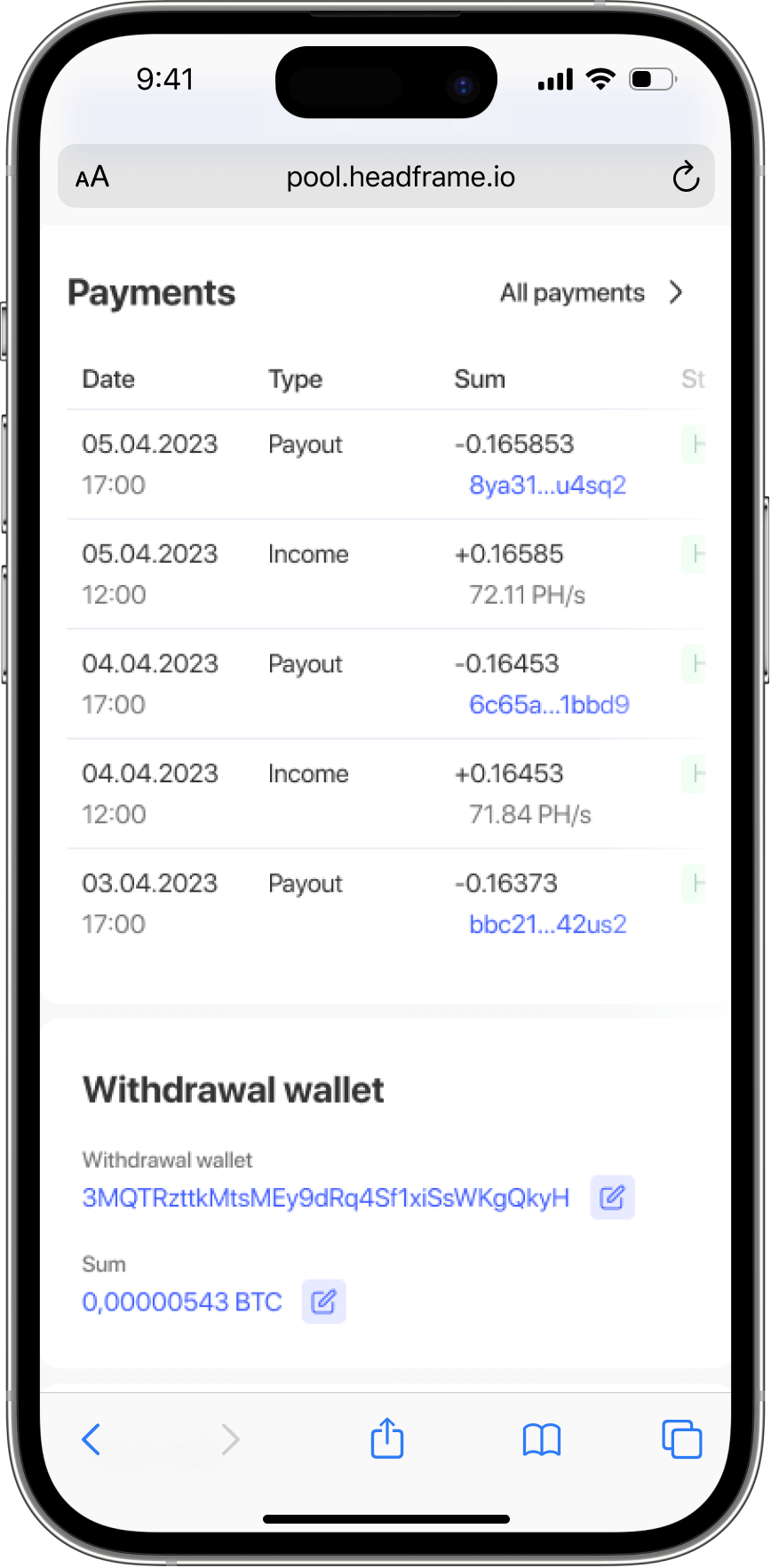
To compare endpoints or pools, keep firmware, voltage, frequency, cooling and electricity conditions unchanged. Use separate worker names and matched observation periods. Compare accepted and rejected shares, downtime, reconnect count and credited BTC; headline pool hashrate alone does not measure the result of this ASIC.
Maintain an operating log
Log cleaning, filter replacement, fan or PSU work, board reseating and every configuration change. After maintenance, repeat the baseline. A consistent record makes gradual deterioration visible and prevents a routine share fluctuation from being treated as a new failure.
When to retire or repurpose the unit
Recalculate the machine with measured wall power, not a catalogue figure. Include ventilation and hosting overhead, then test conservative BTC and electricity scenarios. If stable operation no longer covers the all-in cost, the decision is economic even when the ASIC still hashes correctly.
Use the Bitcoin mining calculator for the cost model and the Bitcoin mining pool comparison for current pool-selection criteria.
Operational checklist for an Innosilicon T3
Treat this page as an operations guide. Give every unit a unique worker name, record its stable hashrate and power profile, and compare the miner dashboard with pool-side accepted shares. After a firmware or frequency change, alter only one variable at a time and keep a rollback record.
For troubleshooting, check PSU connections, hashboard detection, chip temperatures, fan response and rejected shares before changing pools. A short pool-side hashrate dip is not enough to diagnose a hardware fault; confirm the trend over the pool averaging window and compare it with the ASIC log.
Build a repeatable operating baseline
Start with the stock or otherwise documented configuration. Record ambient and exhaust temperature, fan speed, board detection, pool-side hashrate, accepted shares and wall power at the same timestamps. This baseline is the reference for every later change; without it, firmware tuning and pool switching cannot be evaluated separately.
Change the connection without changing the machine
When comparing endpoints, keep frequency, voltage, firmware, cooling and the observation window fixed. Assign a dedicated worker name and retain screenshots or exports from both the ASIC and pool. Check whether a disconnect affected one worker, the local network or every machine at the site before blaming an endpoint.
Use a maintenance log
Log cleaning, fan replacement, PSU work, board reseating and configuration changes. After maintenance, repeat the same baseline test. Escalate persistent missing boards, chip errors or thermal shutdowns as hardware issues; do not try to mask them by repeatedly changing pool addresses.