What Is Mining Uptime and Why It Matters
- What Is Uptime in Mining?
- Why High Uptime Is Critical for Miners
- How to Measure and Calculate Uptime
- Main Causes of Low Uptime and Miner Dropouts
- How to Improve Mining Uptime: A Practical Checklist
- Best Tools for Real-Time Uptime Monitoring
- Common Beginner Mistakes That Destroy Stability
- Conclusion: Stability Matters More Than Raw Hashrate
Many beginners make the same mistake: they chase maximum hashrate, pushing their ASICs for every last terahash through aggressive overclocking, while ignoring long-term stability. In reality, uptime has a direct impact on mining revenue. In this guide, we explain what mining uptime is, why it matters so much, and how to reach the kind of stable performance that serious miners aim for.
What Is Uptime in Mining?
The term uptime comes from IT and server administration. In simple terms, it means the amount of time your mining equipment is continuously working and performing its main job: hashing and sending shares to the pool.
If your ASIC is powered on but, due to a firmware bug or internet outage, it is not submitting shares to the pool, then its effective uptime at that moment is zero. In mining, time is literally money. Every minute of downtime means missed rewards that will go to other miners instead.
Uptime is usually measured as a percentage. For example, if your miner was offline for 1 hour over a 24-hour period, its uptime would be about 95.8%. At first glance, that may not look too bad. But over the course of a year, that kind of instability can add up to roughly two full weeks of lost mining income while your fixed costs continue.
Why High Uptime Is Critical for Miners
Some miners think a short interruption does not matter. In practice, every percentage point of stability affects profitability, payback time, and hardware health.
- Network difficulty does not wait: If your equipment is offline, you are simply not participating in block rewards while the rest of the network keeps mining.
- ROI depends on 24/7 operation: Most profitability calculations assume continuous mining. Even a 5% drop in uptime can push your break-even point back significantly.
- Frequent restarts wear out hardware: Repeated power cycles and crashes are often harder on ASICs and power supplies than stable operation under load. Heat expansion and cooling cycles can slowly damage solder joints and components.
- Stable workers perform better operationally: Pools and monitoring systems work best when your hashrate remains consistent instead of jumping up and down all day.
How to Measure and Calculate Uptime
To understand how effective your mining setup really is, you should know how to calculate uptime manually, even if your dashboard already shows it automatically.
The standard formula is:
Uptime = (Twork / Ttotal) x 100%
Where:
Tworkis the actual working time when the miner is hashingTtotalis the total time in the selected period
Here is a simple example based on a 30-day month, or 720 total hours:
| Stability Level | Downtime per Month | Uptime | Impact on Revenue |
|---|---|---|---|
| Excellent | 43 minutes | 99.9% | Almost no measurable loss |
| Good | 7 hours | 99.0% | About 1% below potential |
| Average | 36 hours | 95.0% | About 5% below potential |
| Critical | 72 hours | 90.0% | About 10% below potential |
As the table shows, even “average” uptime can cost you a meaningful portion of your mining income. On larger farms, that difference becomes very expensive over time.
Main Causes of Low Uptime and Miner Dropouts
If you want to improve uptime, you first need to understand what causes downtime in the first place. In most cases, the same problems show up again and again:
- Unstable power supply: Small voltage drops or power spikes can trigger PSU protection or reboot the control board.
- Internet issues: Even a short disconnect can interrupt share submission or cause the ASIC to hang during reconnection.
- Overheating: Once chip temperatures reach critical levels, the miner may reduce frequency, disable hashboards, or shut down completely.
- Cheap accessories: Low-quality Ethernet cables, overloaded switches, or poor electrical connections often cause random dropouts.
- Software problems: Buggy firmware, unstable custom builds, or configuration mistakes can all reduce uptime.
How to Improve Mining Uptime: A Practical Checklist
If you want to push your uptime closer to professional standards, use this checklist:
- Backup internet: Use a second provider or a 4G/5G failover router so the miner can stay online if your main line goes down.
- Voltage protection and UPS: Quality surge protection, stabilizers, or UPS systems can protect expensive ASICs from power instability.
- Proper cooling: Make sure hot air is removed efficiently and does not circulate back into the intake side of the miner.
- Regular cleaning: Dust buildup leads to overheating and can create electrical risk. Clean equipment on a regular schedule.
- Watchdog tools: Use software or hardware watchdogs that automatically reboot the miner if hashrate drops to zero.
- Reliable firmware: Use proven firmware with auto-tuning and recovery features, not untested custom builds.
Best Tools for Real-Time Uptime Monitoring
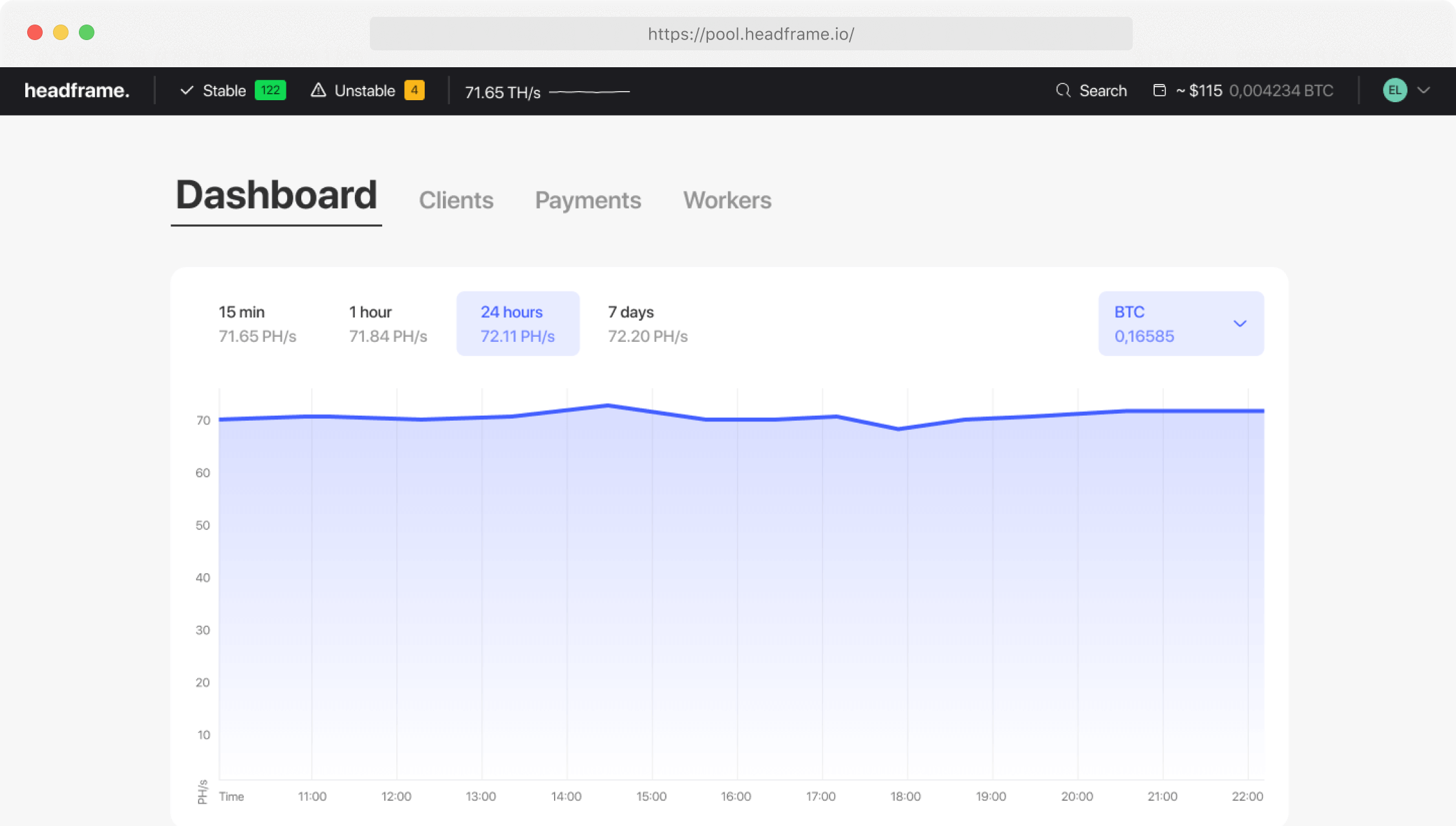
Refreshing a miner web panel manually is not a serious monitoring strategy. Today, miners rely on real-time tools that show problems immediately.
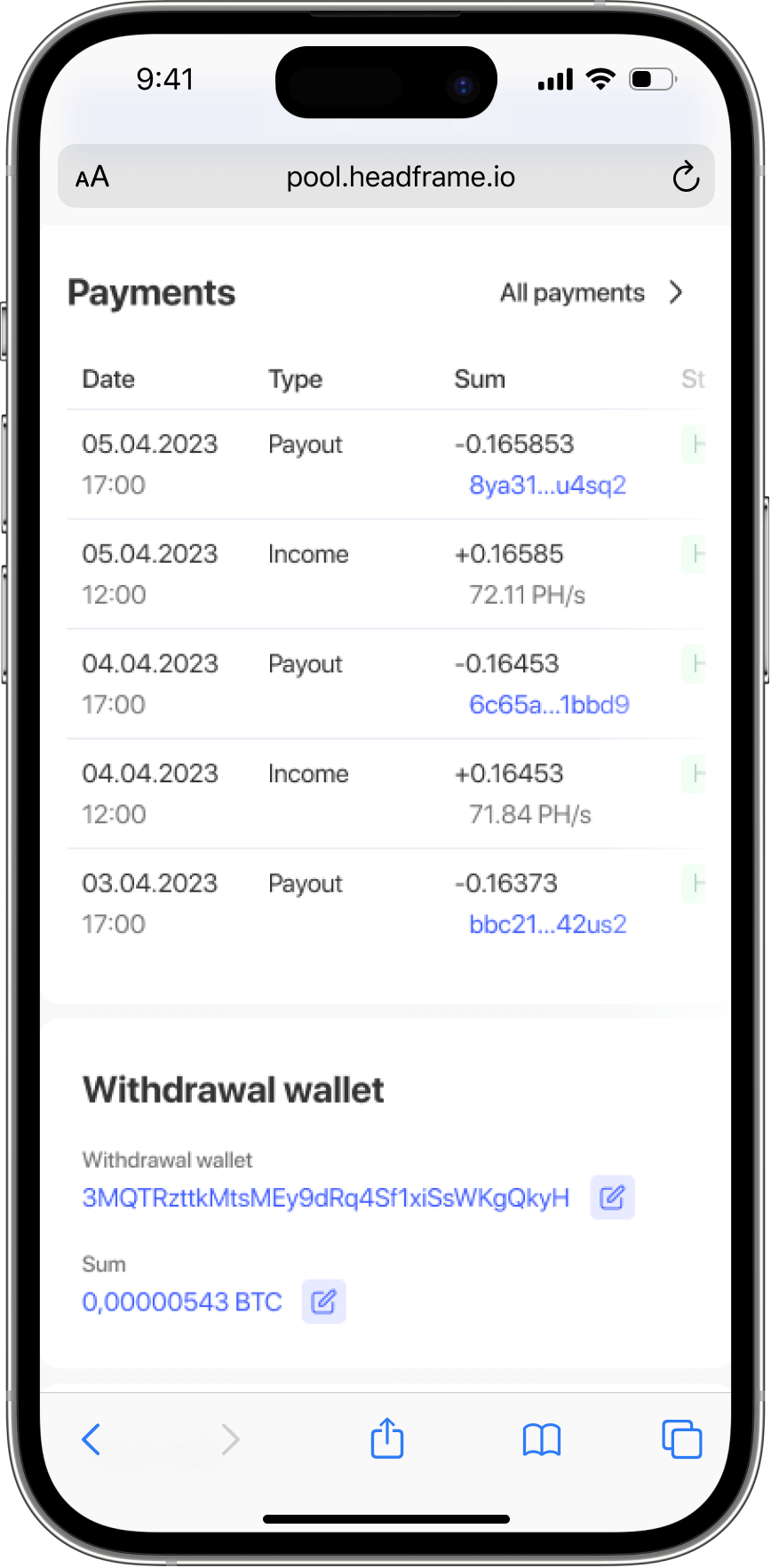
- Mining pool mobile apps: Good pools send instant push notifications when a worker goes offline.
- Telegram alerts: Many monitoring systems can send messages the moment hashrate drops or a machine disconnects.
- Farm management platforms: Tools like HiveOS, Minerstat, or specialized ASIC dashboards help you track hashrate, chip temperature, and fan speed across all devices in one place.
Common Beginner Mistakes That Destroy Stability
In many cases, miners create their own uptime problems. Here are some of the most common mistakes:
Extreme overclocking without preparation. Trying to squeeze out 120% performance from stock hardware often leads to repeated crashes and restarts. A stable 100 TH/s is usually better than 115 TH/s that drops offline several times a day.
Using consumer-grade extension cords and power strips. Standard household accessories are often not designed for continuous high loads. Contacts heat up, voltage drops, and uptime suffers.
Ignoring warning signs in the logs. If your miner repeatedly shows messages like CRC error or Temp abnormal, do not ignore them. Those small warnings often become full downtime later.
Conclusion: Stability Matters More Than Raw Hashrate
In the long run, successful mining is not about pushing hardware to the absolute limit. It is about keeping your machines online, stable, and profitable for as many hours as possible. High uptime is the foundation of mining ROI. A stable miner running at 99% uptime with moderate tuning will almost always outperform an aggressively overclocked machine that needs constant attention and repeated recovery.
If your goal is sustainable mining income, focus on reliability first. Better power, better cooling, better networking, and better monitoring will usually make more money than chasing a few extra terahashes on paper.