Mining Rig: What It Is and How to Build One
- What Is a Mining Rig and How Does It Work?
- GPU Rig Components: How to Choose the Right Parts
- How to Build a Mining Rig: Step-by-Step
- Best Operating Systems and Mining Software for Rigs
- Tuning and Overclocking for Maximum Efficiency
- Cooling and Maintenance
- Prebuilt Mining Rig vs DIY Build
- Profitability and Payback: Is It Still Worth Building Rigs?
The digital asset mining industry has gone through multiple waves of transformation. What used to be associated with small home setups has evolved into a high-tech business that demands a solid understanding of hardware architecture, power delivery, cooling, and mining software. Even though ASIC devices dominate Bitcoin mining, GPU mining remains relevant for a wide range of altcoins and for projects connected to AI workloads and distributed computing. In this guide, we break down what a modern mining rig is and how to build one from scratch.
What Is a Mining Rig and How Does It Work?
A mining rig is a specialized computer configured specifically for solving cryptographic tasks. Unlike a gaming PC, where the goal is a balanced relationship between the CPU and GPU, a mining rig relies mainly on graphics cards, while the processor plays only a supporting role.
The core principle behind a mining rig is parallel computation. Proof-of-Work algorithms require millions of hash calculations per second in order to find a valid block. GPUs are well suited to this job because they contain thousands of cores and can process highly repetitive tasks far more efficiently than standard CPUs. Modern rigs are also used for more than traditional mining. In some cases, owners lease their hardware for AI inference or distributed compute tasks, which makes this equipment more versatile as a digital infrastructure asset.
A rig is not just a stack of graphics cards. It is a balanced system where every component has to operate reliably 24/7. A power instability, overheating issue, or faulty connection on a single card can interrupt the entire mining process and directly affect profitability.
GPU Rig Components: How to Choose the Right Parts
Choosing parts today is primarily about energy efficiency. That is the key factor that determines whether your setup can remain competitive over time.
| Component | What to Look For | Recommendation |
|---|---|---|
| Graphics Cards (GPU) | Hashrate-to-power ratio and effective memory cooling | RTX 40/50 series or AMD equivalents with at least 12 GB of VRAM |
| Motherboard | Number of PCI-E slots and mining-friendly BIOS options such as Above 4G Decoding | Dedicated 8-12 slot mining boards such as B250-BTC-style models |
| Power Supply (PSU) | 80 PLUS Gold or Platinum rating and 20-30% headroom above peak consumption | Server PSUs with proper breakout boards or dual synchronized ATX PSUs |
| Risers | Reliable revision, onboard fuses, and quality capacitors | Risers powered via 6-pin connectors |
| Frame | Aluminum or steel construction with strong airflow and enough spacing between cards | Open aluminum frame with support for additional fans |
It is also a mistake to ignore RAM and the CPU completely. Although many mining workloads can run on just 4-8 GB of memory, modern operating systems and some newer workloads can require more resources for stable buffering, DAG handling, and system responsiveness.
How to Build a Mining Rig: Step-by-Step
Building a mining rig is similar to assembling a custom PC, but it requires extra attention to power distribution and physical stability. A mistake here can damage connectors or graphics cards.
- Prepare the frame: Assemble the chassis and make sure the motherboard is mounted on insulated standoffs to prevent short circuits.
- Install the base components: Insert the CPU, attach the cooler, install the RAM, and connect the SSD or bootable USB drive.
- Connect motherboard power: Plug in the 24-pin and CPU power cables. If you use two PSUs, connect them through a proper synchronizer.
- Mount the GPUs: Install the cards on risers and secure them to the frame. The cards should sit evenly and firmly so the cooling system works correctly.
- Handle cabling carefully: Connect each riser to the motherboard and power each GPU and riser correctly. Never use SATA-to-6-pin or similar weak adapters for high-load cards, since they can overheat and melt.
- Perform the first boot: Start the rig, enter BIOS, and configure startup behavior, PCI-E mode, and mining-related settings.
Best Operating Systems and Mining Software for Rigs
Windows is now used for mining mostly when the machine also serves as a workstation. Dedicated miners usually prefer Linux-based systems built specifically for rig management.
- HiveOS / RaveOS: Popular mining operating systems managed through a web dashboard or mobile app. They make it easy to monitor rigs, adjust overclocks, and switch coins quickly.
- Mining software: Tools like LolMiner, Gminer, and Rigel are chosen based on the algorithm you want to mine.
- Monitoring tools: Alerts through Telegram or similar services help you react quickly if a card goes offline or temperatures rise too high.
Tuning and Overclocking for Maximum Efficiency
Overclocking for mining is very different from overclocking for gaming. The goal is not the highest raw frequency, but the best efficiency per watt. The most important technique here is undervolting.
By reducing GPU core voltage, miners can often lower power consumption by 30-50% while sacrificing only a small portion of performance. That can make a major difference to long-term profitability.
Memory tuning is also critical. Many mining algorithms depend heavily on memory performance, so stable VRAM overclocks and optimized timings can have a stronger impact than pushing the core clock higher. Always test settings for at least 24 hours before treating them as stable.
Cooling and Maintenance
Heat is the main enemy of mining hardware. A mining rig generates a large amount of heat, and if chip temperatures rise too high, long-term degradation becomes inevitable.
- Forced airflow: Use powerful fans to push cool air across the cards.
- Airflow separation: Create a cold intake side and a hot exhaust side. Hot air should leave the room immediately through ducting or strong ventilation.
- Regular cleaning: Every few months, remove dust with compressed air. Dust buildup can reduce cooling efficiency and increase failure risk.
- Thermal maintenance: Replace thermal paste and pads when needed, especially on cards running memory-heavy or high-temperature algorithms.
Prebuilt Mining Rig vs DIY Build
You can either buy a ready-made farm or assemble one yourself. Each approach has clear tradeoffs.
Prebuilt rig:
- Saves time
- Can come with build-level support or warranty
- Usually costs significantly more than the individual parts
- May include used or lower-grade components if the seller is not trustworthy
DIY rig:
- You know exactly what hardware is inside
- Lower total cost
- Better technical understanding of the system, which helps with maintenance and troubleshooting
- Requires time, patience, and assembly skills
- Warranty is usually handled component by component
For beginners, the best starting point is often a small self-built rig with 4 to 6 GPUs. It is one of the fastest ways to understand mining from the inside and avoid expensive mistakes later.
Profitability and Payback: Is It Still Worth Building Rigs?
GPU mining profitability depends heavily on your electricity price. With cheap power, hardware payback can still be reasonable. With expensive electricity, even a technically strong setup may struggle to remain profitable.
Mining on graphics cards is a long-term game. You are not only mining coins, but also holding liquid hardware that can later be resold to gamers, creators, or other miners. At the same time, it is important to understand the limits of GPU mining. If your goal is consistent exposure to Bitcoin itself, GPU power is no longer enough. That role belongs to ASIC hardware.
While many enthusiasts continue experimenting with rigs for altcoin mining, professional miners usually prioritize stability and long-term exposure to the strongest digital asset on the market. If your goal is to accumulate Bitcoin efficiently, the next step is usually moving from GPU rigs to industrial-grade ASIC hardware.
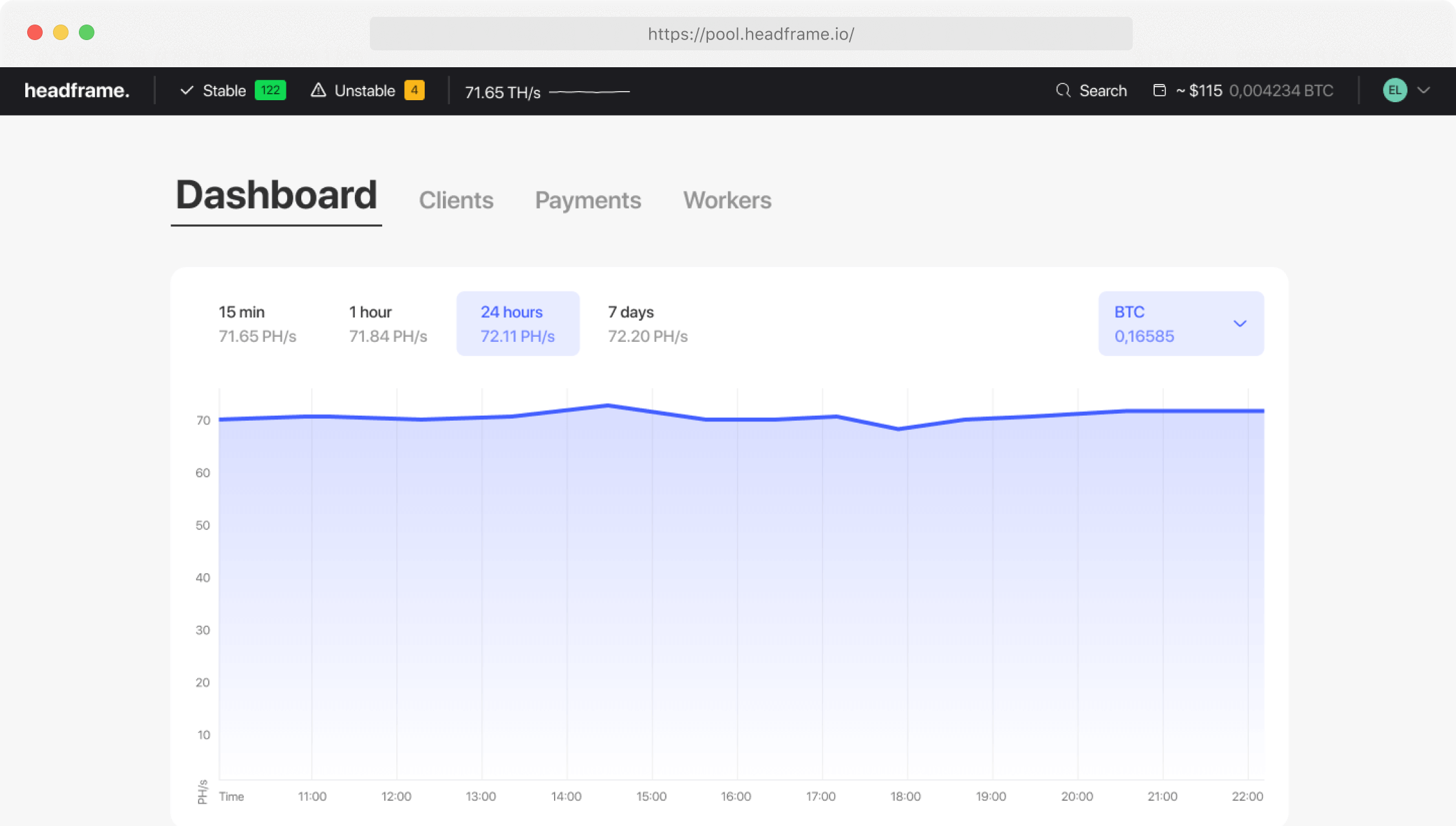
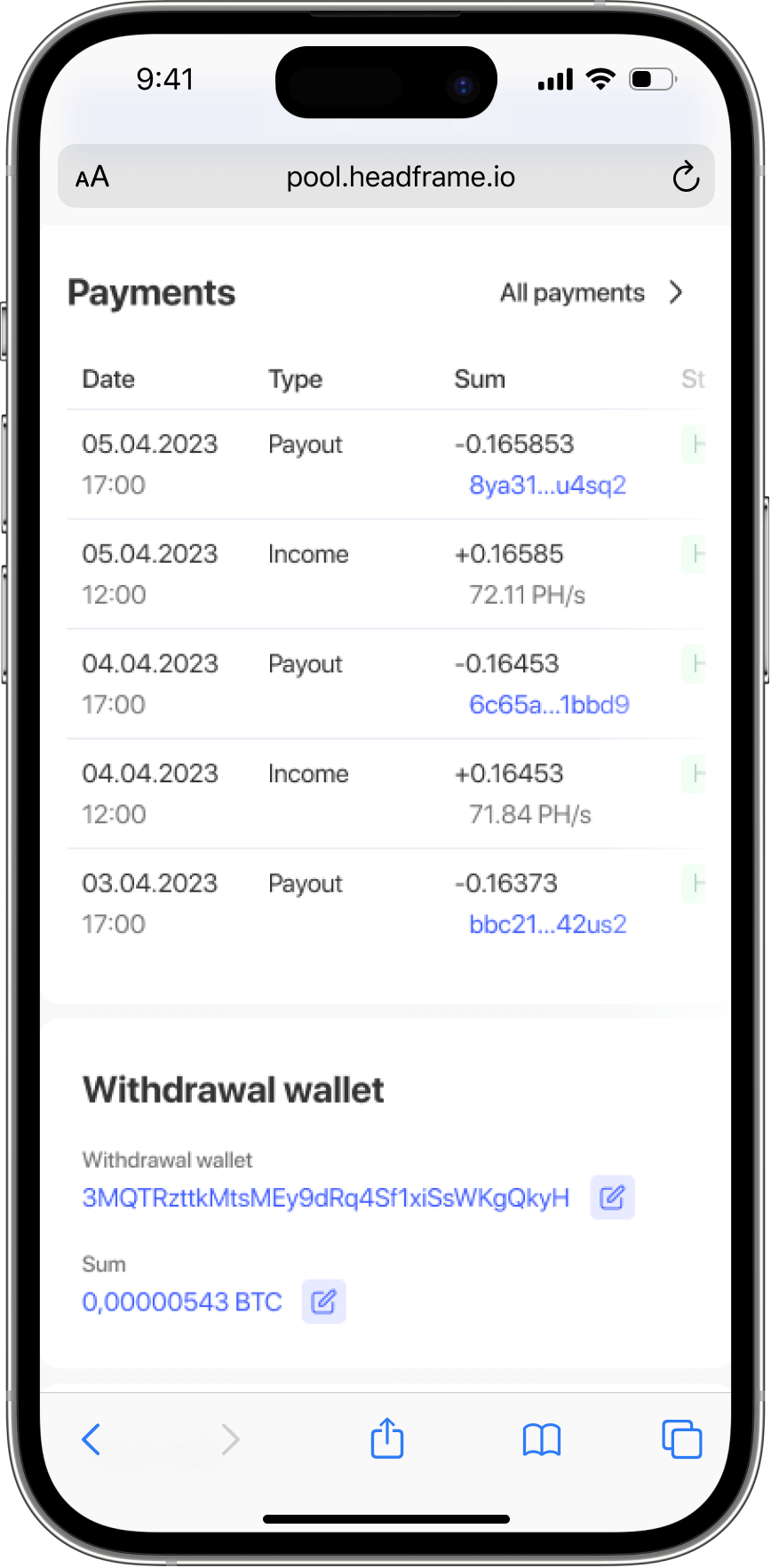
For miners who already operate ASICs or plan to scale into them, Headframe mining pool provides infrastructure built specifically for BTC. We focus exclusively on Bitcoin and offer a transparent FPPS payout model, which means you earn for every valid share you send, plus your portion of transaction fee revenue. With a low pool fee of just 0.9%, you keep more of your mining income.
Our stratum infrastructure is designed for stable 24/7 operation, and our mobile apps for iOS and