Rejected and Stale Shares, Worker Offline and Low Pool Hashrate
Updated: August 7, 2026
A pool can show an offline worker, rejected shares or a lower hashrate even while the ASIC dashboard looks normal. These symptoms do not have one universal cause: they can come from the pool URL, the local network, unstable hardware or simply the averaging window used by the dashboard.
Start with accepted shares and connection logs. Then change one variable at a time. This prevents a normal 10-minute fluctuation from turning into an unnecessary firmware, frequency or pool change.
What each symptom actually means
| Symptom | Meaning | First check |
|---|---|---|
| Worker offline | The pool has not credited a recent valid share to that worker. | Pool URL and port, worker format, Internet access and the ASIC log. |
| Rejected share | The server received work it could not credit. | Reason code, pool-side rejection rate, firmware and hardware errors. |
| Stale share | A valid-looking result arrived after the mining job had changed. | Latency, packet loss, Wi-Fi or overloaded network equipment. |
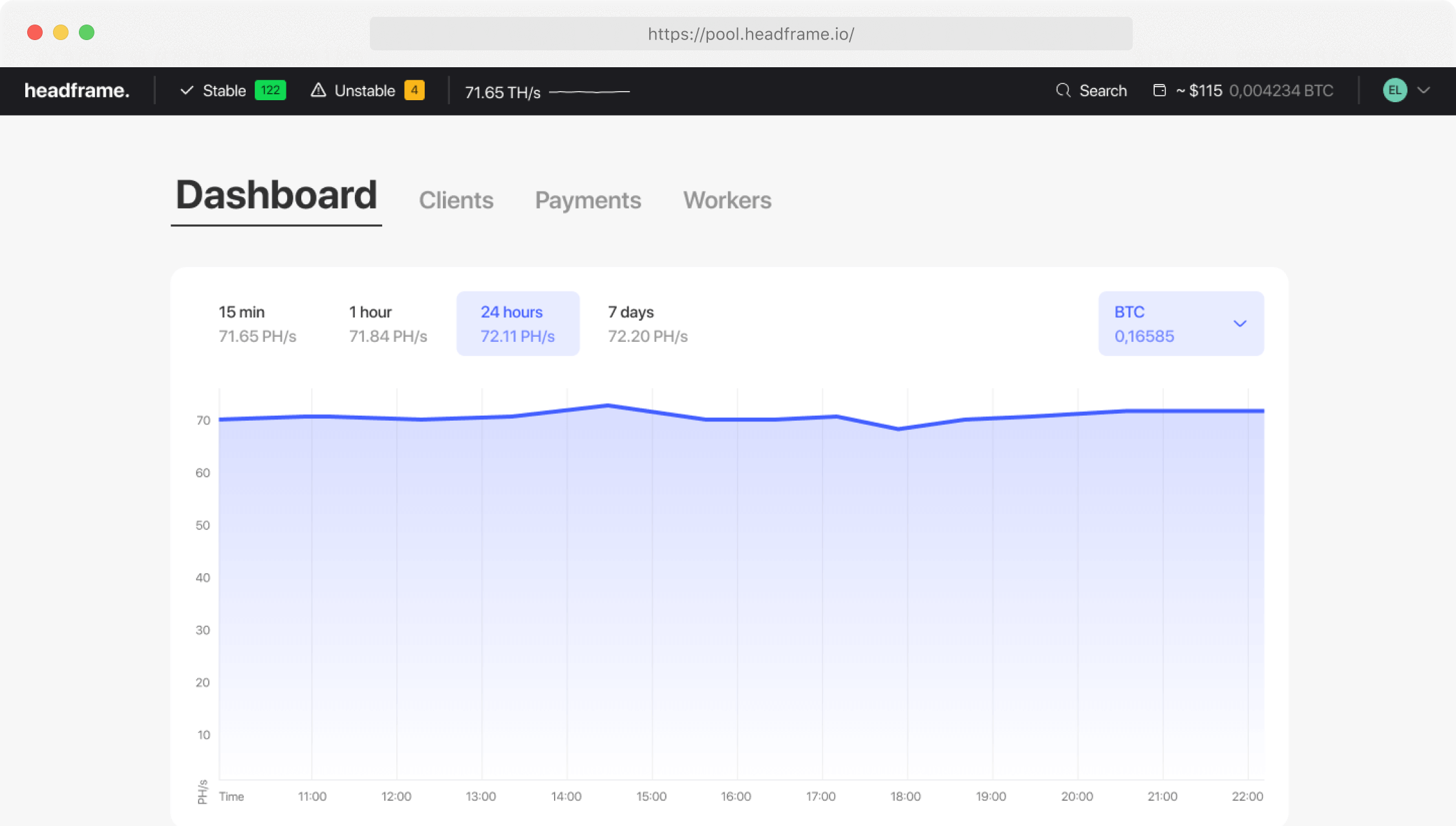
| Low pool hashrate | The share-based estimate is below the ASIC local reading. | Compare equivalent 6-hour or 24-hour windows, not instantaneous values. |
Diagnostic order that avoids false conclusions
- Confirm the correct worker. Make sure you are looking at the worker name configured on this exact ASIC.
- Read the miner log. Look for DNS failures, connection resets, authorization errors, missing hashboards and rising hardware errors.
- Check accepted shares. If the counter keeps increasing, the worker is connected even if the dashboard status lags.
- Compare time windows. Pool hashrate is inferred from shares and needs time to converge.
- Test Ethernet and basic network stability. Packet loss matters more than a visually fast speed test.
- Return overclocked settings to a known stable profile. Watch temperatures, fan speed and PSU behavior.
- Change only one destination at a time. Preserve the working settings so the result is attributable.
How much rejection is too much?
There is no percentage that is safe for every pool and every measurement method. Lower is better. A sustained increase above your own baseline deserves attention; as a practical trigger, many operators investigate when rejects remain around 1–2% or higher, but the reason code and time window matter more than a single rounded number.
Do not mix invalid hardware results with stale network results. Invalid work points more often to frequency, voltage, firmware, chips or power. Stale work points more often to latency, packet loss or unstable routing.
When pool-side hashrate looks low
- Compare the ASIC average with the pool average over the same 24-hour period.
- Verify that all hashboards are active and the local hashrate is not only a short peak.
- Account for rejected shares, downtime and reconnects.
- Check that workers have unique names so their statistics are not mixed.
- If accepted shares are stable, wait for the pool window to mature before changing settings.
Frequently asked questions
Why is my worker offline although the ASIC is hashing?
The pool may not have received a valid share recently, the worker name may differ, or the status may lag. Verify accepted shares and the connection log.
Can a bad password reduce hashrate?
Most pools use a simple worker password, but an incorrect authorization format can prevent the worker from connecting at all. Copy the values shown in your account.
Should I reboot immediately?
Reboot only after recording the log and settings. Otherwise you may erase the evidence that identifies DNS, network, temperature or hashboard errors.
Next step: after the worker is stable for a full day, compare credited BTC and pool behavior with the same ASIC settings in the calculator and pool ranking.